Redirect to checkout0

Choose the Right BixPlat Setup for Your Team

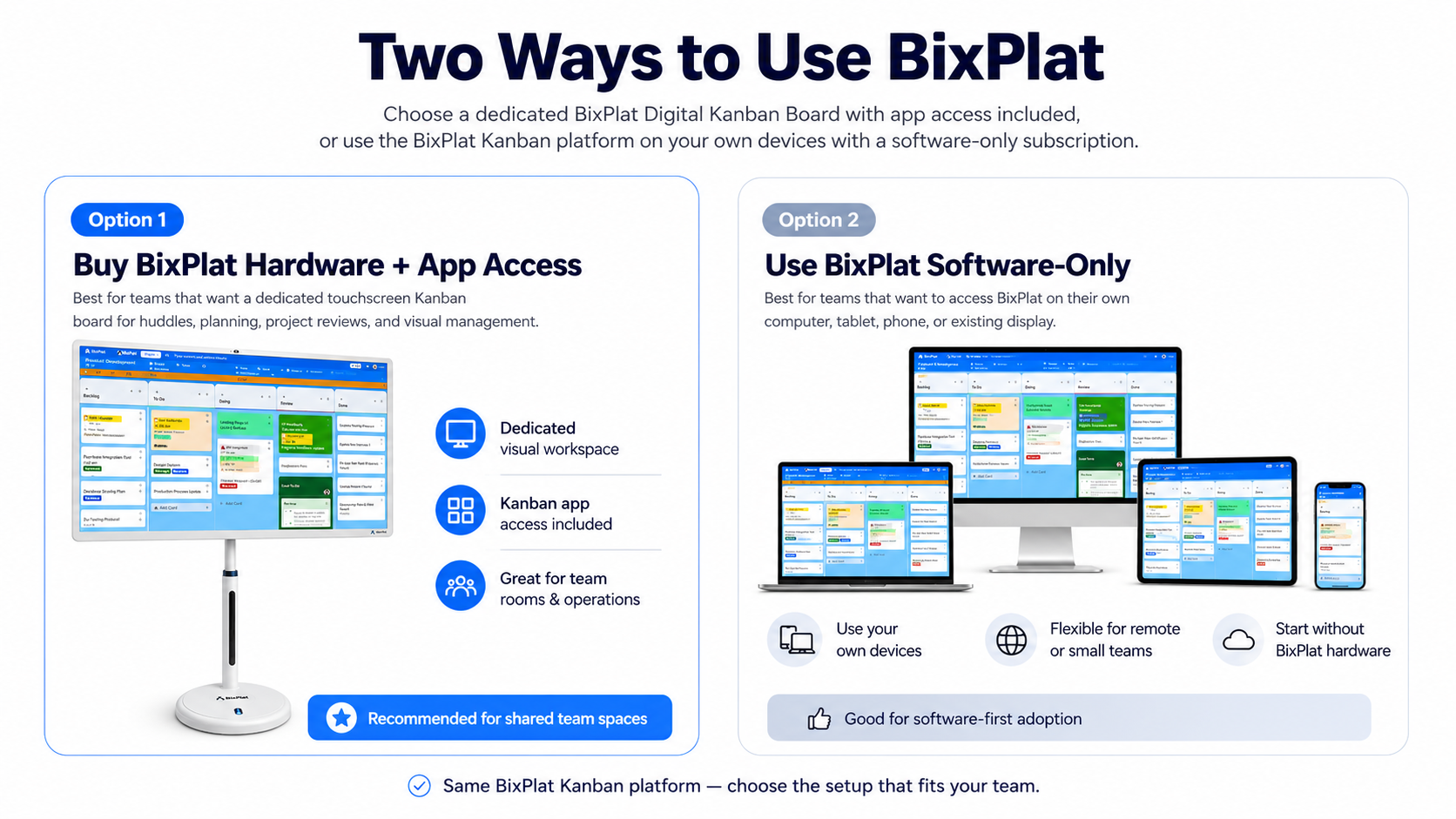
Buy a BixPlat Digital Kanban Board with app access included, or use the BixPlat Kanban platform on your own devices with a software-only subscription.
THE AMAZING SLIDESHOW ADDON!
BixPlat Hardware Software Kanban Board Options

Buy BixPlat Hardware + App Access

Choose this option if your team wants a dedicated touchscreen workspace for visual planning, huddles, project reviews, and daily collaboration. BixPlat hardware gives your team a physical board experience with digital Kanban app access included, so work can stay visible in the room and accessible across supported devices.

Use BixPlat Software-Only

Choose this option if your team wants to use the BixPlat Kanban platform without purchasing BixPlat hardware. Access your digital Kanban board from supported computers, tablets, phones, or existing displays, making this a flexible option for remote teams, small teams, or software-first adoption.

Option 1: Buy BixPlat Hardware + App Access

Choose this path if your team wants a dedicated touchscreen Kanban board for huddles, project reviews, operations meetings, and visual management.

Start with the Portable BixPlat Digital Kanban Board

Image

The portable BixPlat Digital Kanban Board

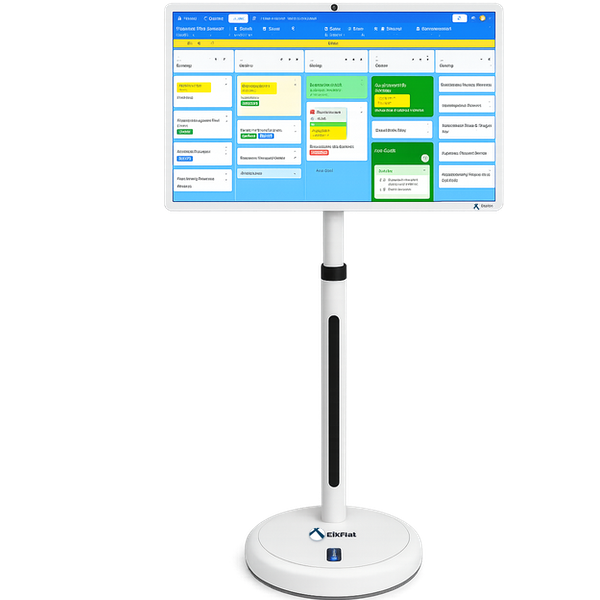
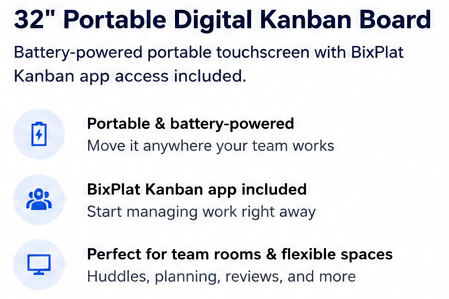
The portable BixPlat Digital Kanban Board is the first available hardware configuration. It includes BixPlat Kanban app access and gives your team a dedicated visual workspace for planning, tracking tasks, reviewing priorities, and keeping work visible during team meetings.

BixPlat Digital Kanban Board

Hardware + Kanban app access included
  • Dedicated touchscreen Kanban workspace
  • BixPlat Kanban app access included
  • Built for visual planning, huddles, and project reviews
  • Supports Agile, Scrum, Lean, operations, and project workflows
  • Portable configuration available now
  • Large-format configurations planned
  • Works with compatible meeting and productivity tools
  • Access boards from supported computers, tablets, and phones
  • Helps teams track tasks, priorities, owners, and blockers
  • Setup guide and onboarding support included
  • Designed for team rooms, operations areas, and shared workspaces
  • Flexible hardware options for different team needs

Choose the Right BixPlat Setup for Your Team

Start with the portable configuration available now,

or explore upcoming large-format options for future team rooms and shared workspaces
Available now

Image
Image

$1,250

COMING SOON - LARGE INTERACTIVE BOARDS

55" Screen

  • Interactive Board
  • Stand
  • BixPlat Kanban app access included

65" Screen

  • Interactive Board
  • Stand
  • BixPlat Kanban app access included

75" Screen

  • Interactive Board
  • Stand
  • BixPlat Kanban app access included

85" Screen

  • Interactive Board
  • Stand
  • BixPlat Kanban app access included

98" Screen

  • Interactive Board
  • Stand
  • BixPlat Kanban app access included

Custom

  • Do you need multiple Smart Boards for your team? Contact us for a custom quote!
Ask

Option 2: Use BixPlat Software-Only

Use the BixPlat Kanban platform on your own computer, tablet, phone, or existing display — without purchasing BixPlat hardware.

BixPlat Online Kanban Subscription

Start with software. Add hardware when ready.

Choose software-only access if your team wants to manage work digitally without purchasing BixPlat hardware. Use BixPlat to create Kanban boards, organize tasks, assign owners, set priorities, and keep work visible across supported devices.

This option is ideal for remote teams, small teams, pilot users, or organizations that already have their own displays and devices.

Use on your computer

Use on your tablet

Use on your phone

Flexible monthly plans. Contact us anytime for plan changes or support.

Individual License

$12Per User /month
  • 1 User
  • BixPlat Kanban board access
  • Task cards and board views
  • Labels, due dates, and owners
  • Workflow stages and visual task tracking
  • Access from supported computers, tablets, and phones
  • Good for individual users and pilot testing
  • Monthly software-only subscription
  • Cancel any time

Group License

$49Per 5 User /month
  • Up to 5 users
  • Shared BixPlat Kanban workspaces
  • Team task tracking
  • Task cards and board views
  • Labels, due dates, owners
  • Workflow stages and visual progress tracking
  • Access from supported computers, tablets, and phones
  • Good for small teams and pilot groups
  • Monthly software-only subscription
  • Cancel any time

BixPlat Software-Only Plans

Use the BixPlat Kanban platform on your own computer, tablet, phone, or existing display — no BixPlat hardware required.

Individual License

  • 1 User
  • Personal Kanban workspace
  • Software-only access
$12/mo

Group License

  • Up to 5 Users
  • Shared team workspaces
  • Small team collaboration
$49/mo

Corporate License

  • Up to 10 users
  • Department-level workspaces
  • Team coordination
$99/mo

Custom License

  • Custom users & teams
  • Multi-team setup
  • Hardware + software options
Ask

When a dedicated board makes sense

Why Choose BixPlat Hardware?

REASON 1: DEDICATED VISUAL WORKSPACE

Physical Visibility, Digital Flexibility

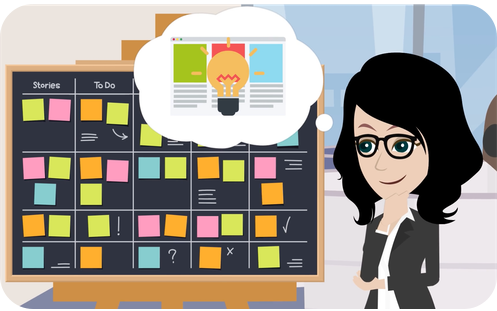
Keep work visible in the room while giving your team the flexibility to update and review tasks digitally across supported devices.
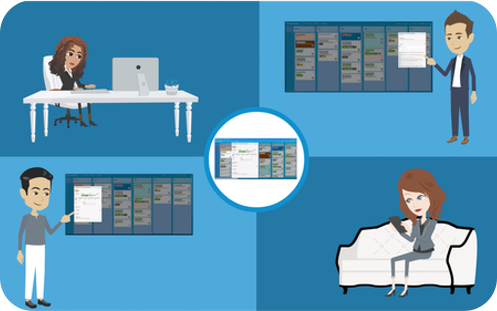
Physical Digital Kanban Board, Touchscreen Smart Kanban Board
Digital Kanban Board for Remote Workers

REASON 2: TEAM COLLABORATION ACROSS DEVICES

Work Together Across Devices

Use BixPlat as a shared Kanban workspace that team members can access from supported computers, tablets, phones, or compatible displays. Teams can review priorities, update tasks, and keep work visible whether they are in the same room or working remotely.

REASON 3: HARDWARE + APP TOGETHER

More Than a Kanban Display

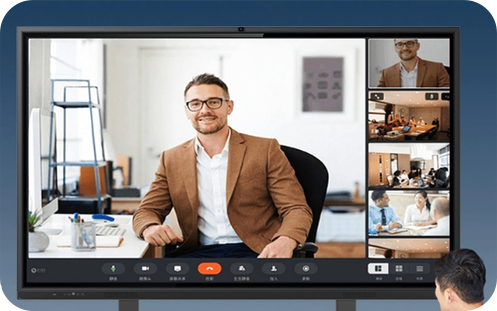
BixPlat hardware is designed around visual team collaboration. Use it as a dedicated workspace for Kanban planning, project reviews, daily huddles, team alignment, and shared work tracking — with BixPlat Kanban app access included. Depending on the configuration, BixPlat hardware can also support compatible meeting and productivity tools your team already uses.
Image

Stay Connected Across Devices

Access your BixPlat Kanban board from a BixPlat touchscreen display, computer, tablet, or phone. Keep work visible in the room while allowing team members to review and update tasks from supported devices.
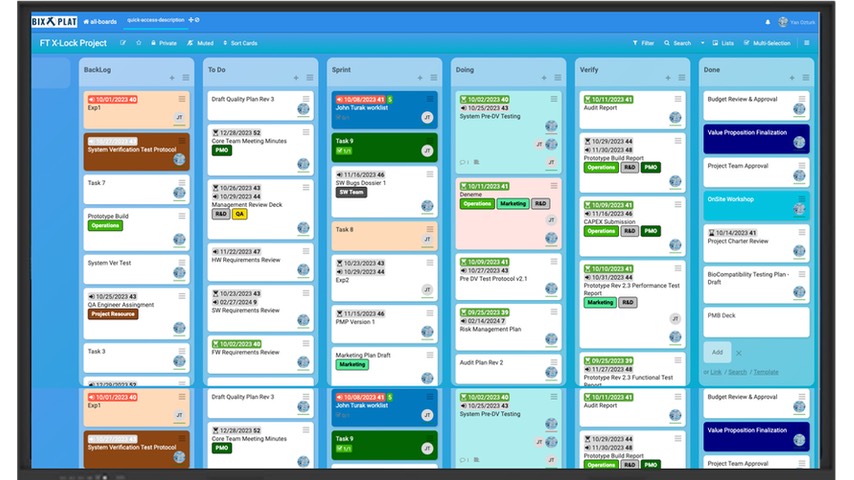
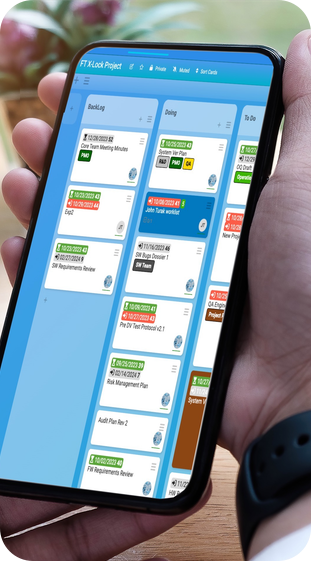
BixPlat Scrum Smart Board, Digital Whiteboard
Image
Image
Image